
If your garage looks like a moving truck blew up, you already know the problem with messy inventory. One small business owner can lose weeks during peak season when they can’t find the right stock, or they reorder items they already have. Inventory storage is the system for safely holding and managing products until they sell or get used, including how you track, label, and place them.
When inventory storage is set up well, you cut stockouts, you prevent overstock from taking over your shelves, and you reduce waste from items that spoil or go obsolete. In this guide, you’ll learn what inventory storage really means, the main types of storage systems, and practical ways to organize items so counts stay accurate. Next, we’ll start with a clear breakdown of what inventory storage includes and why it matters day to day.
What Inventory Storage Means and Why It Powers Your Business
Inventory storage means more than stacking boxes on shelves. It’s the process of keeping physical products in a safe, organized space until you need them. That includes where items live, how they’re labeled, how you track quantities, and how you move stock without losing it.
When you manage inventory storage well, you keep your business steady. You avoid running out of what customers want. You also avoid tying up cash in piles you cannot sell. In other words, storage turns “we have inventory” into inventory you can actually use.
Think about a grocery store. Produce doesn’t stay in a random back corner, because it spoils. Instead, it goes to the right spot, gets rotated, and gets replenished on time. That routine is inventory storage in action, and it protects both freshness and profit.
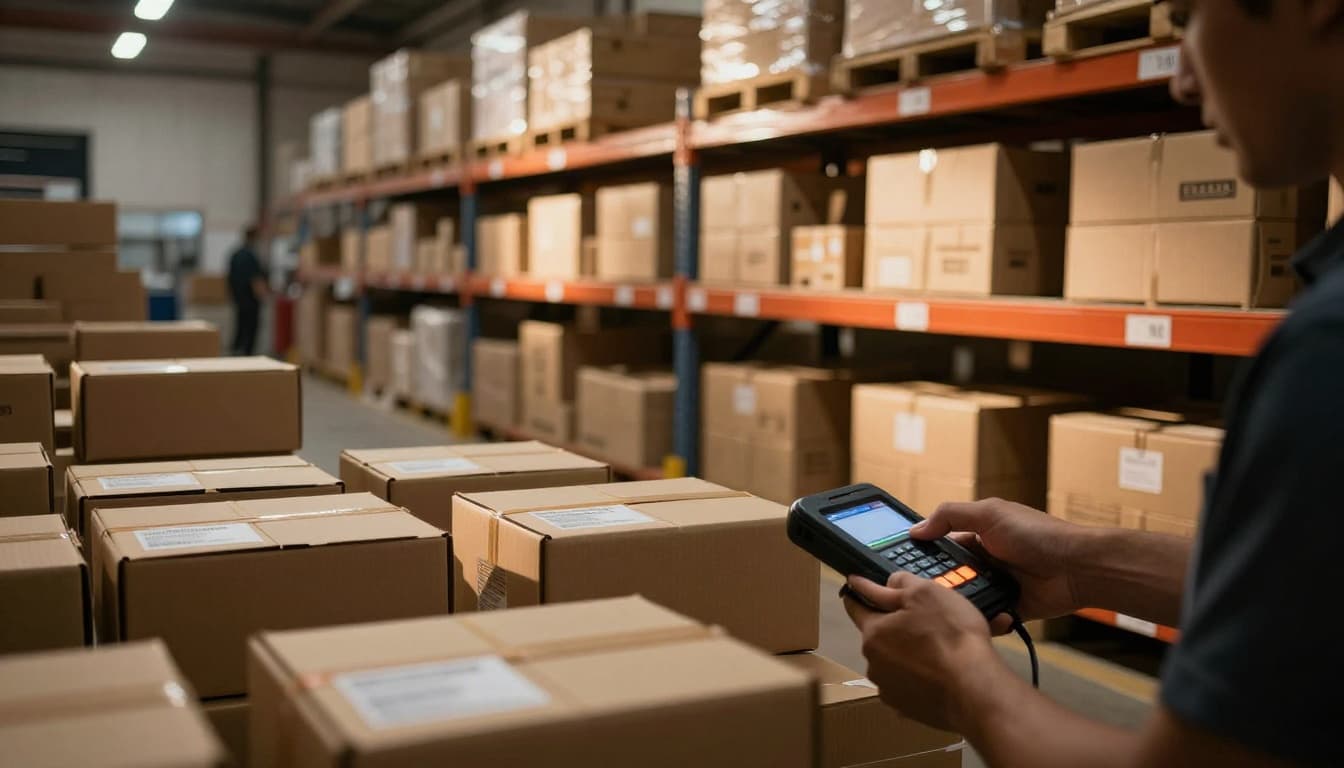
At its core, managing inventory storage helps you answer simple questions fast: What do we have? How much do we have? Where is it right now? Those answers matter during busy weeks, when orders come in fast and mistakes get expensive.
You might also hear “warehousing” and “inventory storage” used like they mean the same thing. They overlap, but they are not identical. Warehousing often focuses on space and receiving goods. Inventory storage covers the whole system around that space, including organization and day-to-day control. That’s why storage planning can include bin locations, product placement rules, and handling steps, not just a bigger room.
In a real-world setting, it can even affect your costs. One way to think about it is this: inventory is cash sitting still. You pay to buy it, store it, insure it, and handle it. Over time, holding too much inventory can raise hidden costs. For a clear breakdown, see the real cost of holding inventory.
The Real Impact on Daily Operations
Inventory storage powers daily operations because it changes how quickly and accurately you can fulfill orders. It also reduces the chaos that shows up when your team cannot find items. When storage works, you feel it in the rhythm of the day, because picking and packing get predictable.
Here are the most common ways it shows up, with simple scenarios you can picture:
- Faster fulfillment: Orders move sooner because items live in known locations. Staff don’t waste time hunting for the right product.
- Lower costs: Good storage reduces damage, rework, and emergency reorders. It also helps you buy more accurately.
- Happier customers: Tracking and organization support on-time deliveries. Fewer mistakes mean fewer refunds and fewer “where is my order?” calls.
Now picture two outcomes.
First, you get a stockout. A customer orders a product, but your shelves show none left. Maybe someone misplaced it, or counts drifted. Either way, you lose the sale, and you might lose trust too. Even if you backorder, you still pay for the interruption.
Next, you get overstock. You ordered “just in case,” then the demand dipped. Now you store extra units, take up space, and tie up cash. In addition, slow-moving items can go obsolete or expire. That means you paid for inventory that never turns into revenue.
Real businesses spend real money when inventory tracking and storage slip. For example, when you use inventory management tools, you can reduce stockouts and avoid excess inventory costs. This benefit shows up in resources like how inventory management benefits small businesses.
If your inventory storage feels like guesswork, that’s usually the real problem. When items are hard to find, your team works harder and errors rise. In contrast, when products are stored logically and counts stay accurate, operations run like a well-labeled tool drawer, everything in reach, everything in its place.
Main Types of Inventory Storage Systems to Know
Inventory storage is not one “right” setup. It depends on how often you pick items, how bulky they are, and where your team works. If you choose poorly, you end up with slow picking, wrong counts, and more waste than you planned.
A simple way to think about it is location and access. Some businesses store goods in one central place. Others spread storage closer to where work happens. Most setups combine both ideas, then add the right hardware (shelving, racks, or bins) for each product type.
Warehouse vs Point-of-Use: Which Fits Your Setup?
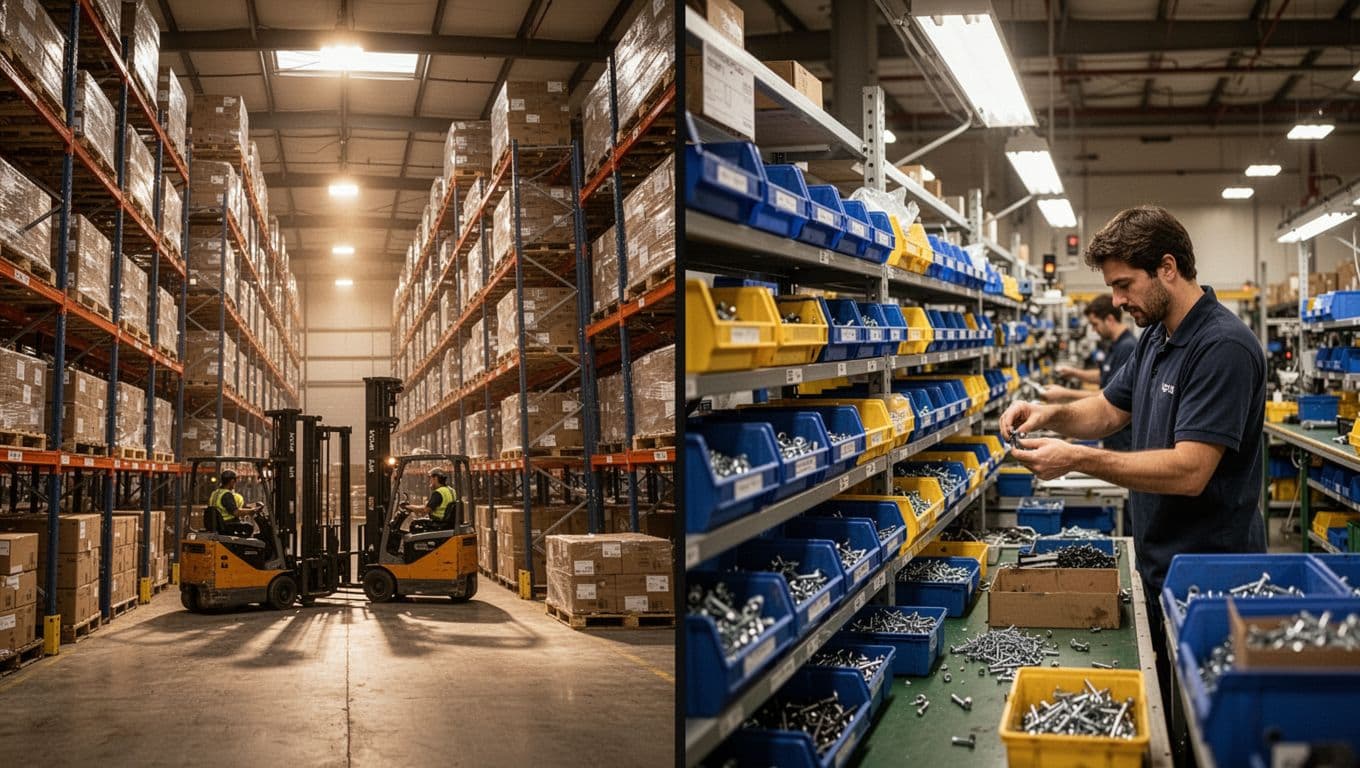
When you hear “warehouse inventory storage,” think central rooms or areas that receive, store, and ship stock. It often includes shelves, pallet racks, and staging zones near receiving and packing. This structure works like a library. Your team goes to the shelves to find what they need, and the system tells them exactly where it sits.
Point-of-use storage works differently. Instead of making people travel back and forth to a warehouse, you place smaller inventory where it gets used. You might keep consumables near machines, kits near assembly, or small parts near picking stations.
Here’s how to match each approach to real business needs:
- Choose warehouse storage when items are bought in larger quantities and moved in batches. Retail back rooms, e-commerce fulfillment, and distribution centers fit well.
- Choose point-of-use storage when teams need items during daily work, not after a walk to the back.
Warehouse storage also fits brands with many SKUs but fewer “on the hour” picks. For example, a small apparel distributor may store boxed inventory centrally, then pull sizes when orders come in. In that case, the warehouse location supports clean organization and accurate cycle counts.
Point-of-use storage shines when demand is steady and consumption happens often. A maintenance team, for example, might need bolts, tape, and bulbs throughout the day. Keeping those supplies at the job area reduces delays and missed work.
In practice, many teams use a hybrid model. Central storage handles the majority of inventory, while point-of-use handles the fast-moving slice. This reduces travel time without giving up full control.
You can also build the point-of-use concept around what’s most time sensitive. For a focused breakdown, see point-of-use inventory management basics and compare it to your current workflow.
Shelving and Racking Basics for Everyday Use
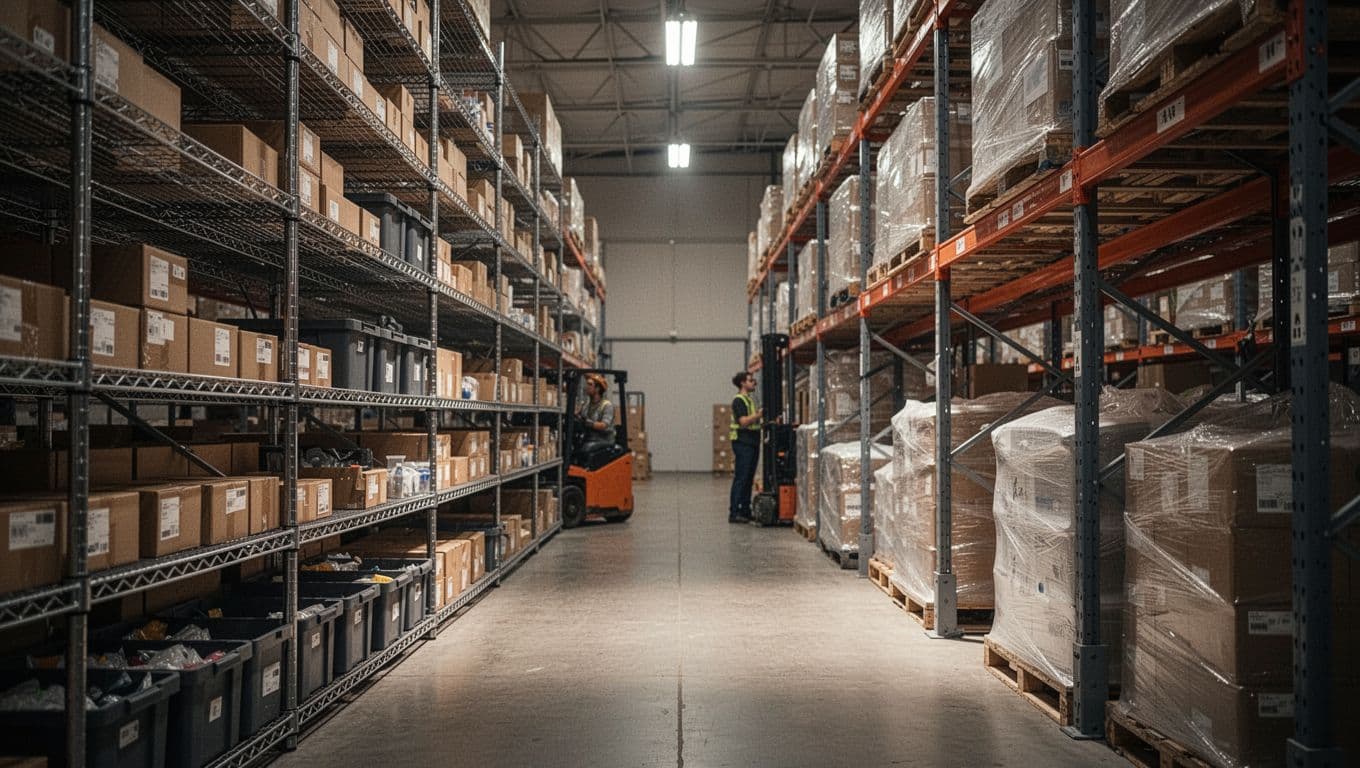
Shelving and racking are the “bones” of most inventory storage systems. They decide what fits, how easy it is to pick, and how safe your products stay. The rule is simple: shelving supports small to medium items, while racking supports large bulky items and pallet loads.
Shelving usually includes wire shelves, plastic bins on shelves, or solid shelves for boxes and cartons. It works best when you pick often and need clear access. Think of it like a pantry. You can grab what you need quickly, and you can keep labels visible. For smaller SKUs, shelving also makes damage easier to spot.
Racking includes options like pallet racks, drive-in or selective pallet racking, and sometimes specialized heavy-duty frames. These systems handle tall loads and heavy items. If your products stack on pallets, racks often make the most sense. They also help you store inventory high without turning the floor into a parking lot.
Cost-effectiveness depends on how you use space. Shelving is often cheaper to install and easier to reconfigure. You can add shelves, swap bin sizes, and adjust layouts as products change. Racking costs more upfront, mainly because it supports heavier loads and higher weights. However, it can still pay off when you store bulky items that would waste floor space otherwise.
Here are common limitations to plan for, especially if turnover is high:
When turnover is high, access matters more than beauty. If your storage system slows picks, it creates its own “waste.”
When shelving beats racking (and when it doesn’t)
Shelving works best when you store:
- small parts in bins
- cartons that don’t weigh too much
- items that need frequent picking
It doesn’t work as well when:
- items exceed safe shelf weight limits
- you store pallet-sized inventory
- you need deep storage lanes for large quantities
If you try to force bulky items onto shelves, you increase the risk of crushed boxes and unsafe stacks. Also, you often lose visibility because piles become mixed.
When racking beats shelving (and what to watch)
Racking fits when you store:
- palletized goods
- large containers or bulky cartons
- heavy products that require stable support
However, high turnover can create problems. If people do not follow location rules, aisles get cluttered. In addition, if racking access is awkward, picks take longer. That can lead to “temporary” staging that blocks flow.
For everyday use, choose rack setups that match how you pick. Selective racking works when you need access to many different pallets. If you store the same items for longer periods, other rack styles may fit better.
For a visual comparison of small-item shelving versus pallet racking, keep this mental picture: shelves keep items at a human height, while racks manage loads at a floor-to-ceiling scale. When those choices align, counts stay cleaner and fewer orders go out with the wrong product.
Proven Ways to Organize Inventory Like a Pro
If you want organize inventory without wasting time, you need rules that match how products age, move, and get used. Two of the most proven rules are FIFO inventory (oldest first) and LIFO (newest first). They sound simple, but the real win comes from setting up your storage so people follow the method without second-guessing.
Think of your storage like a conveyor belt. Items should ride the belt in a clear order. When you mix “first” and “last,” you create confusion, and confusion turns into waste.
In addition, the best systems do not rely on memory. They rely on placement, labels, and routine. That way, your shelves stay clean, your counts stay right, and your team spends time picking, not searching.
Mastering FIFO and LIFO in Practice
FIFO (First In, First Out) means you sell or use the oldest stock first. It’s ideal for anything that can expire or lose quality. Grocery stores do it because it keeps produce fresh and keeps shelves from quietly turning into a spoilage museum.
Here’s a clear grocery example. Say you receive two cases of pasta sauce on Monday and a similar case on Thursday. With FIFO, you place the Monday cases in the front and the Thursday cases behind them. When someone grabs sauce, they naturally take from the front. As a result, the older jars leave first.
LIFO (Last In, First Out) means you use the newest stock first. People use it more for non-perishables, or when product age does not drive quality. For example, many hardware items, cleaning supplies, and spare parts do not expire quickly. So using the newest batch first can work well, especially if you care more about simple restocking than expiration dates.
However, LIFO can still hurt you when items have “soft aging.” Packaging can break down, seals can fail, or powdered products can clump. So if your items degrade over time, FIFO is usually safer.
To implement both methods without confusion, focus on one physical idea: positioning. Most failures happen because staff stack items “however they fit,” not in a deliberate order.
Use these practical steps:
- Create a front and back zone for each SKU (one face front, one face back).
- Put new stock behind old stock for FIFO, so the shelf forces the right grab.
- Use separate bins or lanes for LIFO, so the newest batch starts in the “first to pick” spot.
- Train one simple rule: front means “next out” for that SKU, back means “hold.”
- Write the date only where it matters, like on receiving tags or bin records (not on every label if it slows picks).
If you want a structured approach for FIFO rotation, see FIFO rotation system steps for groceries. It aligns with what you’ll do in a real receiving line: track, place, and rotate with discipline.
One gotcha: FIFO works only if counts match reality. If your system shows 20 units but your shelf holds 17, your “oldest first” rule still gets applied to the wrong group. So you need accurate tracking, plus a placement rule that makes sense when you’re busy.

Daily Habits for Keeping Stock Tidy and Ready
Great inventory storage is built on small daily moves. You do not need fancy systems every day. You need consistent records, clean replenishing, and tight security. When those three stay strong, waste drops because items do not sit forgotten.
Start with tracking records that match your shelves. Each day, confirm that what you think you have, matches what you can touch. If you use barcodes or a simple spreadsheet, make updates right after receiving and after picking. Waiting until Friday creates a blind spot, and blind spots become misorders.
Next, build a habit around replenishing. Replenishing is not just “fill the empty space.” It’s about refilling the right slot with the right stock. For FIFO items, that means the back gets the newer deliveries. For non-perishables, it still helps to rotate within a lane so you avoid random stacks.
To keep replenishing fast, keep zones easy to reach. Place your most-picked items at comfortable heights. Also, keep the path clear. When aisles stay blocked, people stop walking to the far bin, and they start shelving from memory.
Finally, protect your inventory like it matters, because it does. Security is not only about locks. It’s also about controlling access during receiving and returns. Keep high-value items in restricted areas. Limit who can move stock between zones. When staff can freely shuffle items, your FIFO logic breaks.
You can turn these habits into simple daily routines:
- At receiving: check counts, label the batch, and place it immediately in the correct lane.
- During the day: scan or update picks as they happen, not after the rush.
- Before closing: face the shelves, remove empty cartons, and spot obvious damage.
- Once a day: run a quick “short list” of SKUs with low levels so replenishment stays planned.
- At the end of the week: do a small cycle count in high-risk zones, like returns and near-the-door storage.
Also, make stock levels predictable. Set reorder points that match your sales rhythm and lead times. If you reorder too late, you rush and errors rise. If you reorder too early, overstock fills space and invites damage.
One more habit makes a big difference: keep packaging tidy. Broken pallets, torn bags, and crushed cartons lead to slow picks and wrong grabs. When you keep packaging intact, your team can see what’s usable.
If you want one yardstick for daily orderliness, use this rule: if you can’t find it in 30 seconds, storage needs work. That standard keeps your system practical, not just pretty.
Tools and Tech That Make Storage Smarter
Storage gets smarter when you stop treating it like a pile and start treating it like a system. Old methods rely on good eyesight and memory. Modern inventory storage systems use tools that track, confirm, and guide where items go.
Think of it like cooking. You can follow a recipe by feel, but a kitchen timer and thermometer make results more repeatable. The same idea applies to inventory tools, because accuracy and speed both depend on consistent data.
From Basic Bins to High-Tech Trackers
Start with what most people already have: racks, shelves, pallets, and bins. These are physical inventory storage systems that control access and keep items from mixing. They help fast pickers by making products visible and reachable. Still, they only do so much when your counts drift or items end up in the wrong spot.
Now compare that with modern tech that confirms what’s in the building. In 2026, many businesses are shifting from basic shelves-only setups to integrated inventory software, even for smaller operations. That shift matters because the software connects storage locations to every scan, move, and adjustment.
Here’s the contrast in a simple way:
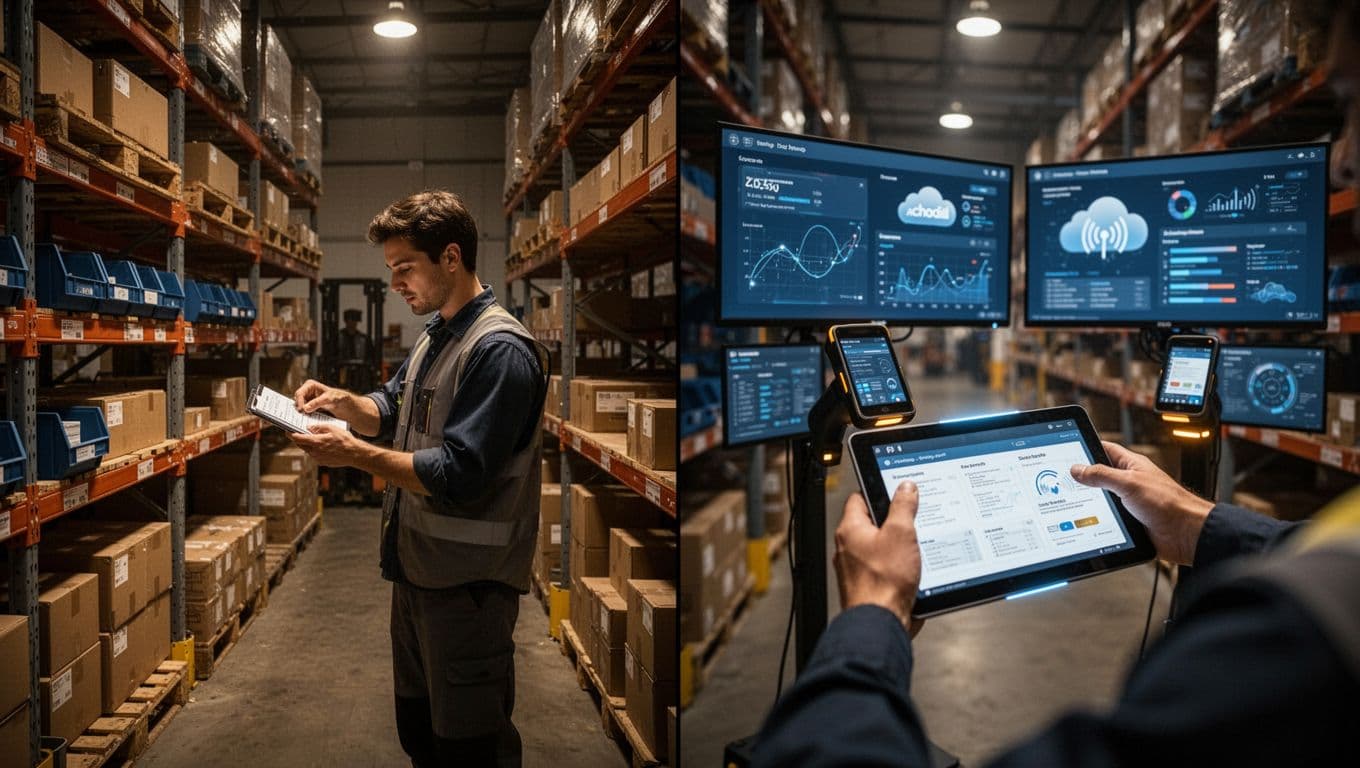
- Old-school setups: labeled bins, manual counts, paper logs, and a team member who “knows where things are.”
- Modern setups: inventory management software, scanners, and dashboards that show real-time stock levels.
The biggest difference is feedback. With bins alone, you may discover problems during a rush. With scanners and connected systems, you often catch issues right when they happen.
Physical storage tools that still matter
Even with software, you still need smart placement. The right hardware reduces walking, prevents damage, and keeps aging items in order.
Use these as your base layer:
- Shelving for smaller cartons and parts you pick often
- Racks for heavier loads and products that need strong support
- Pallets for bulk inventory and stable stacking lanes
- Bins for SKUs that need clear boundaries and easy replenishment
In other words, the physical layout creates the “where.” Then the inventory tools handle the “what” and “how many.”
Inventory tools that make counts reliable
Once you add inventory tools, you stop relying on memory. You also reduce waste caused by wrong picks, slow receiving, and inventory that goes missing between zones.
Common digital components include:
- Inventory management software for real-time tracking across locations
- Barcode scanners for fast receiving, picking, and cycle counts
- Dashboards that show low stock, backorder risk, and shrink trends
- WMS (warehouse management system) when you need guided picking and tighter warehouse workflows
If you want a glimpse of what WMS features look like in practice, see warehouse management system features for 2026.
RFID and WMS in a connected storage setup
RFID deserves a brief mention because it supports automated scans. Instead of lining up barcodes, RFID can help with quicker counts at the location level. When RFID links to a WMS, the system can update stock faster and reduce manual handling.
You don’t need RFID on day one. But it’s a trend worth planning for, because smart inventory storage systems increasingly combine:
- Location rules (bins, aisles, slots)
- Scan events (receiving, moves, picks)
- System updates (stock counts and alerts)
As a reference point for how software supports day-to-day warehouse control, you can also review warehouse management software for small business (2026).
Tackling Common Challenges and Spotting New Trends
Most inventory storage problems start small. One “temporary” stack appears, a label falls off, a bin gets mixed. Then space gets tight, counts drift, and spoilage or obsolescence sneaks in.
The good news is this: you can fix common challenges with simple storage rules and better flow. At the same time, you should watch for new trends that connect storage, tracking, and fulfillment. When those pieces link up, waste drops and stock moves faster.
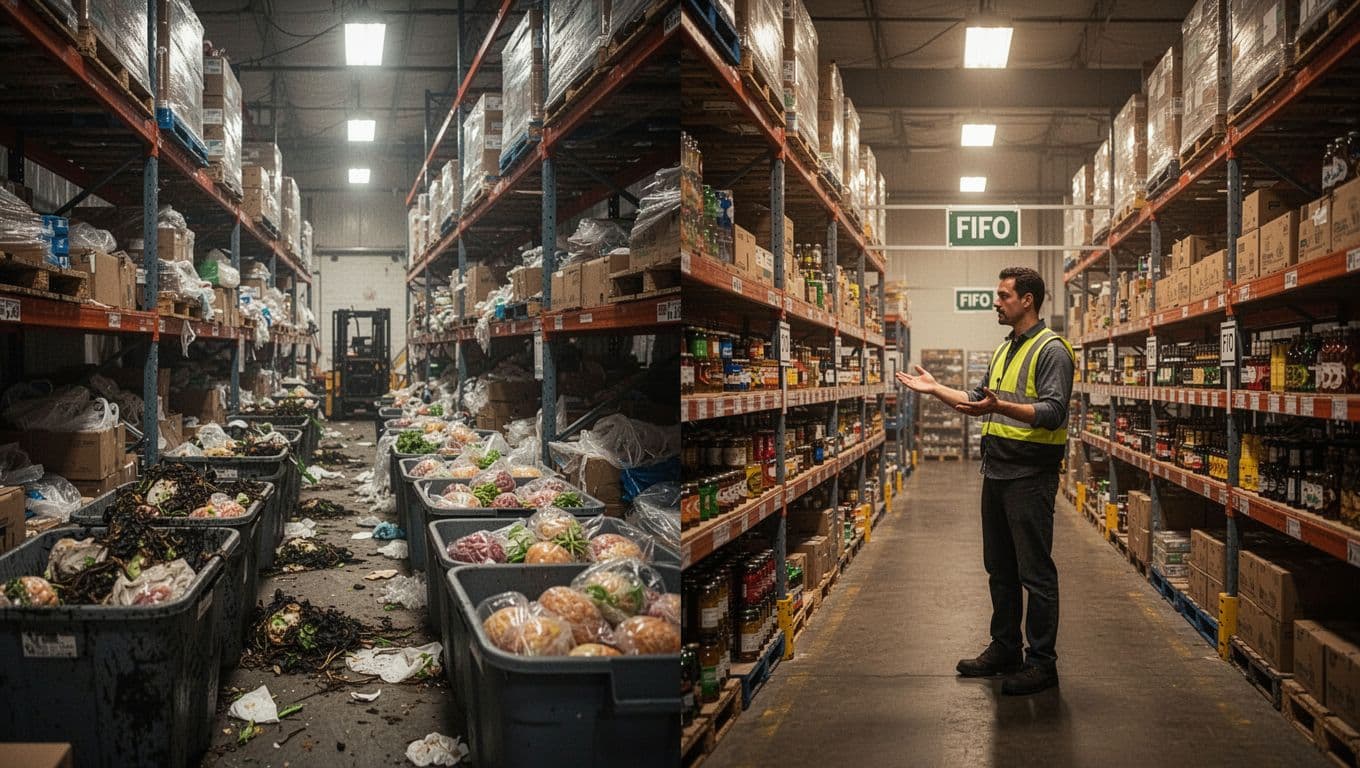
Solving Space and Stock Balance Headaches
Space limits are one of the fastest ways to create chaos. When shelves fill up, teams start squeezing items into empty corners. Soon you get the worst mix: lost stock, slower picks, and wrong orders.
Start by treating space like a budget. Decide what gets prime locations (the easiest-to-reach spots) and what accepts slower access. Then enforce those choices with real placement rules, not “memory.”
When storage runs out, also fix the stock balance problem behind it. Too much of the wrong items makes space tight, even if you think you’re “prepared.” On the other hand, too little of a fast seller creates stockouts. You need both sides under control.
Here’s a set of practical moves you can apply right away:
- Create a “home” for each SKU: one bin, lane, or shelf location per SKU (at least per fulfillment zone). If an item has two homes, expect count drift.
- Use forward and back zones: front holds what should ship soon. Back holds the rest, aligned to FIFO or your rotation rule.
- Add capacity with purpose: when you need more space, expand the same storage type (more bins or more shelves). Avoid mixing hardware styles in the same lane.
- Set reorder points that match your lead time: reorder early enough to avoid rush buys, but not so early that overstock piles up.
- Run a weekly “top waste” review: flag SKUs that sit too long, then decide to discount, bundle, or move them closer to point-of-use.
Spoilage adds a special kind of pressure, especially for food and cosmetics. Temperature, shelf life, and product handling all matter. If you store perishables or sensitive goods like everything else, you’ll pay twice, once in product loss and again in labor.
So, for spoilage-prone items, tighten the basics:
If product can expire, your storage should act like a timer.
- Label with receiving dates where rotation decisions happen (bin records, receiving tags, or batch labels).
- Keep cold or controlled items in their own zone so you avoid mixing temperature requirements.
- Use FIFO with real physical discipline (new stock goes behind old stock). Don’t rely on people to “remember” which batch is older.
To understand the broader patterns behind stock issues, you can review guides that list common inventory management challenges and solution themes, like 12 Inventory Management Challenges & How to Solve Them. For perishable-focused tactics, see Perishable Inventory Management: 8 Successful Strategies. Those references help when you want to compare your situation to what other operators fix first.
Finally, connect space to action. When a storage spot is full, people improvise. Instead, treat “full” as a signal. That’s when you move slow stock out of prime zones, move fast stock closer to picks, or split inventory across better locations.
Quick ways to stabilize stock without major upgrades
You don’t need a big tech install to improve balance. You can stabilize counts and reduce waste with a few repeatable habits:
- Do cycle counts in high-risk zones (returns, near receiving, and around fast-moving SKUs).
- Track adjustments with a reason code (damaged, mispick, shrink, or count correction). Over time, you’ll see why stock drifts.
- Use a “no empty-lane” rule for fast movers. If a lane stays empty too long, you missed a reorder trigger.
If you already use inventory tools, focus on consistency. Update quantities at receiving and after picks, not later. That small timing change keeps your storage plan aligned with reality.
Spotting New Trends in Inventory Storage Systems
Trends often look fancy at first. Then you realize they’re just solving old problems with better links between steps. Today, the biggest shift is toward connected storage systems that tie together location, tracking, and fulfillment.
In 2026, many US businesses are moving in three directions:
- Cloud-based inventory tracking that updates stock across locations quickly, often through barcode scans.
- Distributed inventory, where inventory sits in multiple smaller spots closer to customers.
- Overflow storage models, including short-term storage units for seasonal demand spikes.
These trends matter because they reduce the two biggest drains on storage performance: wasted handling and delayed decisions. When you know what’s where, you pick faster. When you see stock risk early, you reorder smarter.
A second shift involves data-based inventory control. Instead of static reorder rules, some teams now use AI and analytics to suggest reorder points, flag slow sellers, and plan shifts when supply or demand changes. It’s still early for many small firms, but the direction is clear.
If you want one snapshot of modern approaches, look at summaries like Challenges of Inventory Management in 2026- USA Guide. Use it as a checklist to compare what you manage well, and what still depends on luck.
To future-proof your storage, focus on three “connectors”:
- Location: bins, shelves, racks, and defined lanes.
- Events: receiving, putaway, picks, moves, returns.
- Updates: stock levels that reflect events quickly.
When those connectors work together, storage becomes less fragile. You stop guessing. You also reduce waste because your system points out what’s going wrong.
So what should you watch for next? Watch for tools that help you do three tasks faster: scan, confirm, and correct. If your storage plan can’t absorb corrections without panic, it’s not stable yet.
In short, tackle the pain first (space, spoilage, and stock balance). Then, build toward connected workflows that keep counts accurate as you scale.
Conclusion
Inventory storage is the system that keeps products safe, placed in the right spots, and tracked so your team can find them fast. When you organize by location rules and rotation methods, you reduce stockouts and overstock, and you stop waste before it starts.
You can see the results in day-to-day work. Shelving, racking, bins, and basic tools give you the physical structure. Then your tracking habits and software (like scans and inventory management) keep the records aligned with what’s on your shelves.
If you want the strongest next step, audit your current setup this week. Check whether each SKU has a clear home, then test a simple rotation rule like FIFO in one storage zone. After that, look at how inventory software could confirm stock during receiving and picking, instead of leaving it to memory.
What would change first in your operation, faster picks or fewer count gaps? Share your storage tips in the comments, and keep an eye on 2026 trends, like cloud tracking, AI demand hints, and distributed inventory, because they’re built to make storage more accurate and less wasteful.