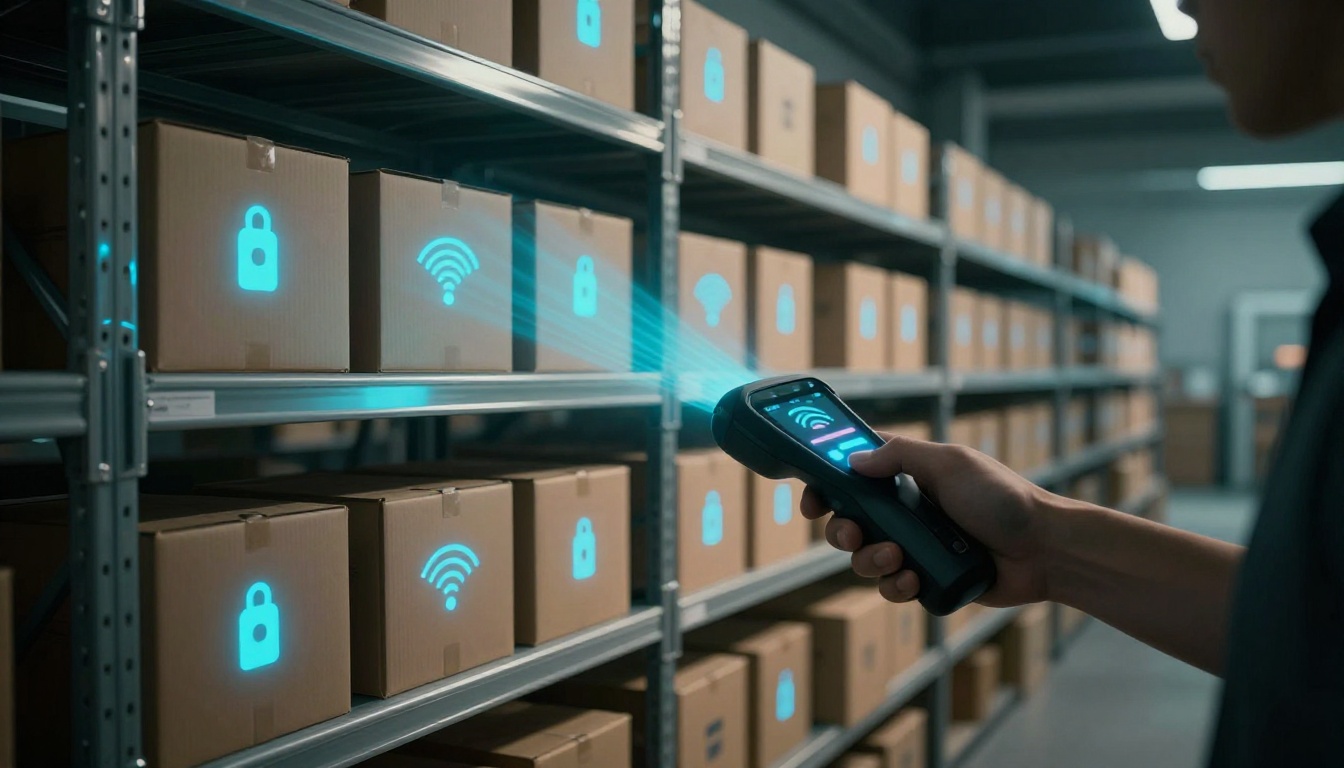
Have you ever lost track of inventory right when the day gets busy? You run a manual count, find “mystery” gaps, and then spend hours recounting. That’s not just annoying, it’s expensive.
RFID inventory tracking helps solve that problem. RFID stands for Radio-Frequency Identification. It uses radio waves to identify items automatically, so you can see what’s in stock without scanning every label by hand.
In 2026, more warehouses and retailers are adopting RFID because it can bring fast reads and high accuracy. Real-world results often report 99%+ read accuracy and major reductions in cycle count time. Some teams cut physical inventory counting by 75% to 95% compared to manual methods.
This guide breaks down RFID basics, then shows how RFID tracks inventory step by step. You’ll also see why RFID often beats barcodes in practice, what can go wrong, and how to start with a smart pilot.
Breaking Down How RFID Technology Actually Works
RFID systems may sound complex, but the idea is simple. Each item gets an RFID tag. A reader then captures the tag’s ID (and sometimes extra data), and software updates your inventory in real time.
A good way to picture it is like this: a tag “wakes up” when it gets close to a reader. Once the reader sends out radio energy, the tag responds with its stored information. From there, your system logs what it read, where it read it, and when it happened.
Under the hood, RFID usually involves three key parts:
- RFID tags (chip plus antenna)
- RFID readers (antennas and radio hardware)
- An inventory system (database or WMS/ERP integration)
For a clear technical overview, see what RFID does and how it works from GS1 US.
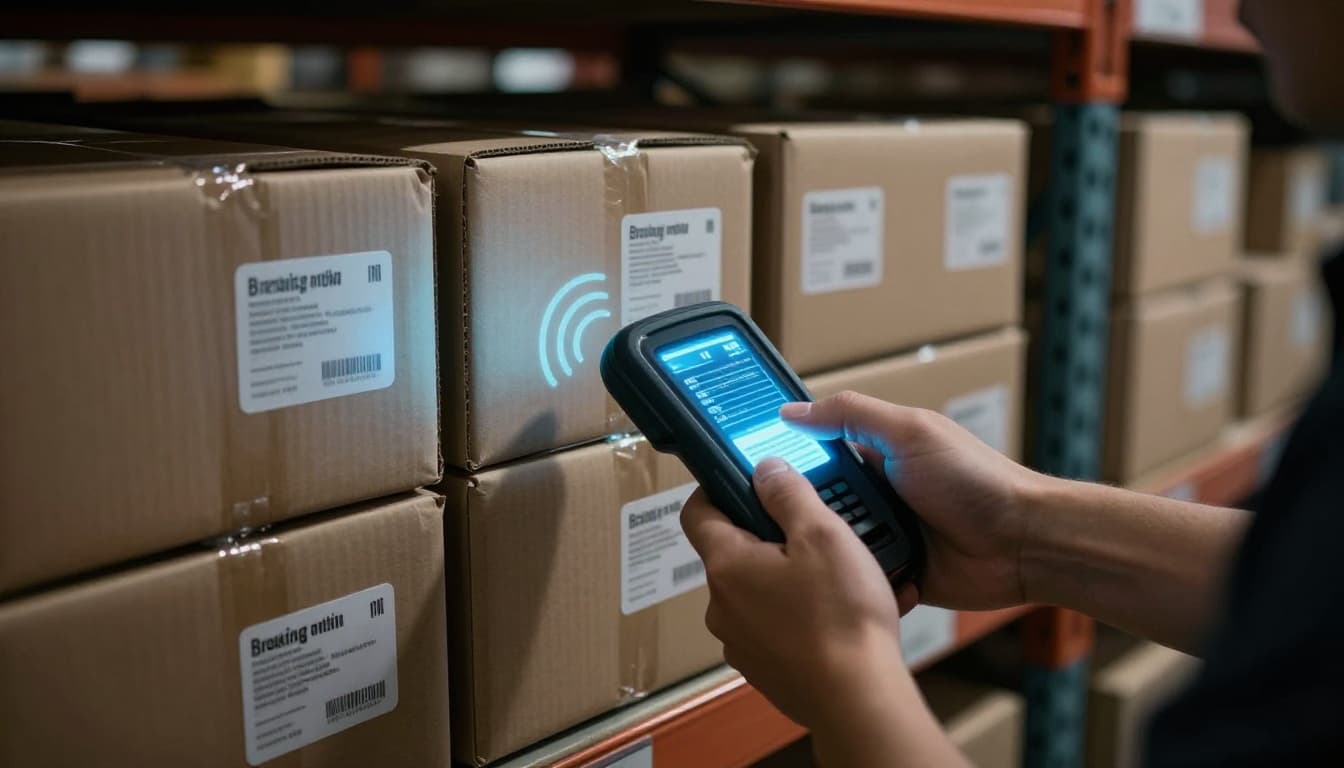
Readers send radio waves. The tag picks up that energy and sends back its response, often called backscatter. Then the reader logs the tag ID, and your software uses that read to update stock counts.
Because RFID does not rely on strict line-of-sight, it’s easier in busy warehouse layouts. Barcodes often fail when a label is blocked or poorly angled. RFID can still read items even when they’re inside packaging or positioned on shelves.
Range depends on tag type and reader power. With many passive UHF setups, reads can reach around 30 meters in real conditions. In 2026, better UHF tag design and stronger reader integration help teams get faster, more consistent reads.
If you’re adding visuals, a simple diagram works well:
- reader antenna at a doorway or aisle, 2) tag on boxes or pallets, 3) radio energy arrows going out and back, 4) a software box updating inventory records.
Passive, Active, and Semi-Active Tags Explained
RFID tags are not all the same. The biggest difference is whether the tag has a power source. That choice affects cost, range, and how much data you can store.
Passive RFID tags: reader-powered and budget-friendly
Passive RFID tags have no battery. Instead, the reader powers them using the radio signal. That makes passive tags cheap, small, and ideal for tagging a lot of items.
They’re common for inventory tracking because they work well for:
- shelf-level inventory
- carton or case tagging
- pallet or tote tracking (with the right placement)
Because they rely on reader energy, read range and speed still depend on antenna design, tag orientation, and the environment. Still, passive tags dominate many retail and warehouse deployments due to cost and size.
For a breakdown of RFID tag types and how they’re used, check RFID tags for inventory tracking.
Active RFID tags: battery-powered and longer range
Active tags include a battery. That means they can broadcast a signal over longer distances and often work better for large assets or harsh areas.
You’ll usually see active RFID tags in situations like:
- tracking high-value equipment
- monitoring assets across wider outdoor areas
- covering long spans where readers are farther apart
These tags cost more. They also require battery replacement or lifecycle planning.
Semi-active RFID tags: a middle option
Semi-active (or battery-assisted) tags often use a battery to help power the chip, while still relying on the reader for communication in certain modes. That can extend performance without the same cost profile as fully active tags.
In practice, teams choose semi-active when they need better consistency than passive tags, but don’t want the full cost of active tags.
Why this matters for inventory tracking in 2026
In 2026, many teams aim for battery-free options when they can. Improvements in UHF tag performance and better energy harvesting make passive tagging more reliable than it used to be. However, you still choose based on your product types, packaging, and how your warehouse is laid out.
The Step-by-Step Process of RFID in Inventory Tracking
RFID inventory tracking works best when you treat it like a workflow, not a one-time install. The system has to tag items correctly, read them in the right places, and update your inventory system fast enough to be useful.
Here’s the typical flow.
- Tag items on arrival or during production
Add RFID tags to cartons, cases, totes, pallets, or individual units. The goal is to tag in a way that fits your picking and receiving process. - Capture reads at “choke points”
Place fixed readers at doors, dock areas, conveyor points, or aisle entry zones. Use handheld readers for audits and exceptions. - Update software automatically
RFID middleware or integration software processes the reads. It filters duplicates, maps tags to SKUs, and updates dashboards and stock records. - Trigger alerts for issues
When inventory drops below a threshold, or when tagged items disappear unexpectedly, the system can alert your team. - Act on insights
Workers then pick from the correct locations, restock faster, and investigate shrink signals with less guesswork.
The key benefit is speed. A reader can capture many tags during one pass. So, instead of scanning one item at a time, you scan “in bulk” as pallets move through the warehouse.
Teams also often see fewer human errors. Each tag ID is unique, and the system can reduce mistakes from wrong scans or missed labels.
When you plan your rollout, include a pilot and real audits. Many “RFID projects” struggle when companies rush to full scale without verifying tag reads on their actual shelves and products.
Setting Up Readers and Tags for Your Warehouse
Hardware setup can make or break performance. Before you buy everything, map where inventory actually moves.
Fixed readers work well at locations that items pass through often. For example:
- receiving doors
- shipping doors
- entry points for a zone
- conveyor transfers
Handheld readers help with cycle counts, spot checks, and troubleshooting. They’re also useful when a tag is damaged or missing.
Next, choose the right tag for the surface. Metal and dense liquids can affect reads. If you tag items stored near metal racks, you may need on-metal tags. If products are in cases with heavy moisture, you might need a different tag design.
Placement matters too. If tags overlap too tightly, readers can struggle with inventory. For best results, follow tag placement rules for each product type.
Finally, plan software integration. Your RFID reads must connect to:
- your WMS (warehouse management system)
- your ERP (order and accounting backbone)
- your barcode systems (if you still use them)
If you need a practical overview of RFID in retail operations, RFID technology for inventory tracking offers useful context for how teams think about deployment.
Daily Workflow: From Scans to Smart Decisions
Once RFID is working, the routine should feel calmer than manual counts.
A typical day looks like this:
- Receiving deliveries come in with tagged cartons or cases.
- Fixed readers log what arrived, and where it sits.
- Picking updates stock as items move out.
- Restocking signals show up when inventory runs low.
Then, you use regular audits to keep the system honest. Even accurate reads can drift if tags get removed, items get reboxed, or products move to new locations without the tags being seen.
This is where RFID gets exciting. Because reads happen automatically, your team spends less time counting and more time managing.
Many deployments report big cycle count improvements. According to recent industry reporting, organizations often cut physical count time by 75% to 95%. At the same time, properly configured RFID can reach 99.5% or higher read accuracy, which supports strong inventory confidence.
Dashboards help teams act quickly. You can track:
- stock levels by location
- recent movements
- shrink alerts
- exceptions (like duplicate tags or unexpected reads)
A simple rule helps. If your warehouse still needs full manual recounts, your read points might not match real movement. Adjust readers, retag problem items, and tighten process steps.
Why RFID Outshines Barcodes for Inventory Management
Barcodes can work, but they demand human effort at every step. RFID reduces that burden by reading tags automatically, often without line-of-sight.
Here’s the practical difference you’ll notice on the warehouse floor.
| Feature | RFID | Barcodes |
|---|---|---|
| Scanning speed | Bulk reads in one pass | One scan per label |
| Accuracy | Unique IDs reduce mis-scans | Human errors still happen |
| Line-of-sight | Usually not needed | Often required |
| Durability | Works with rugged tags | Labels can peel or smear |
| Data capacity | Larger memory options | Usually short strings |
| Automation | Inventory updates with movement | Requires frequent manual scanning |
The biggest win is speed. With RFID, workers can move pallets through zones while readers capture dozens or hundreds of tags. That cuts the time you spend standing still with a scanner.
Accuracy also tends to improve. Barcodes rely on a correct scan every time. RFID still needs correct tagging, but the system can validate reads through unique IDs and software logic.
Durability matters, too. RFID tags can survive packaging wear and harsh handling better than printed labels in many settings.
Then there’s the “less work” factor. If you’re counting manually today, RFID usually reduces cycle counting effort. Some teams report freeing up staff time weekly, mainly because scans happen during normal movement.
RFID can also pair well with barcodes. Many companies use barcodes for cheaper labeling at certain stages, while RFID covers high-value SKUs or key processes. In 2026, hybrids are common because budgets vary.
If you’re weighing the tradeoffs, this comparison helps set expectations: RFID vs. barcodes key differences.
Real Results from Businesses Using RFID Today
Most teams don’t adopt RFID just for novelty. They adopt it to stop the pain.
Typical outcomes in retail and logistics include:
- higher inventory accuracy (often near 99% when set up correctly)
- faster physical counts
- less shrink from “unknown” losses
- better availability for orders
You’ll also see faster workflows for item-level tracking. Apparel companies tag items or totes to support smarter fulfillment. Warehouses tag pallets and cases to reduce “where is it?” searches.
Another trend in 2026 is combining RFID with analytics and forecasting. When data arrives continuously, your inventory system can predict shortages earlier. That supports better replenishment and fewer urgent rush orders.
Common RFID Hurdles and Simple Fixes to Jump Over Them
RFID is powerful, but it’s not plug-and-play. Most issues fall into a few buckets. The good news is that each one has a practical fix.
1) Upfront cost and tag choice
You might worry about the cost of tagging everything. That’s reasonable.
Fix: start with a pilot. Tag only high-impact areas. For example, focus on best sellers, top shrink categories, or key warehouse zones. Then scale once you see the accuracy gains.
Some teams also use hybrids, like RFID for pallets and barcodes for individual low-risk items.
2) Interference in the real world
Metal racks, dense packaging, and liquids can cause read issues. So can poor tag placement.
Fix: run a tagging test for your actual products. Try different tag types (like on-metal tags) and test placement angles. Then adjust reader power and antenna settings.
3) Setup complexity and integration gaps
RFID requires middleware logic, standards, and mapping between tag IDs and SKUs.
Fix: keep the first rollout simple. Choose a limited set of products. Work with your WMS team to confirm that reads map correctly and that duplicate reads get handled.
4) Privacy and security concerns
RFID involves identifying tags. If you plan to use RFID for customer-facing items, you need clear privacy rules and encryption where required.
Fix: use appropriate security controls and follow internal policies. Also, decide how tags get deactivated or removed when required.
For more on common RFID inventory challenges, see RFID inventory management benefits and challenges.
A phased rollout that actually sticks
Most successful projects roll out in stages over 3 to 6 months. That timeline allows for:
- pilot testing in one zone
- staff training and process updates
- audits to verify accuracy
- adjustments based on exceptions
Training matters because RFID changes habits. People still need to place tagged items correctly and follow scanning rules at re-pack stages.
Putting RFID Inventory Tracking to Work in 2026
RFID inventory tracking works because it reads tags automatically, without constant manual scanning. Once your tags, readers, and software connect cleanly, the system updates stock in real time.
The biggest wins come from the basics done well: pick the right tag type, place readers at real movement points, and run a pilot before scaling. When you do, you can often reach high accuracy and cut counting time sharply.
If you’re ready to start, begin with one warehouse area or product group. Test reads, validate updates in your system, then expand as your results hold up.
Now ask yourself: where do you lose the most time or accuracy today? That’s where RFID usually delivers the fastest payoff.