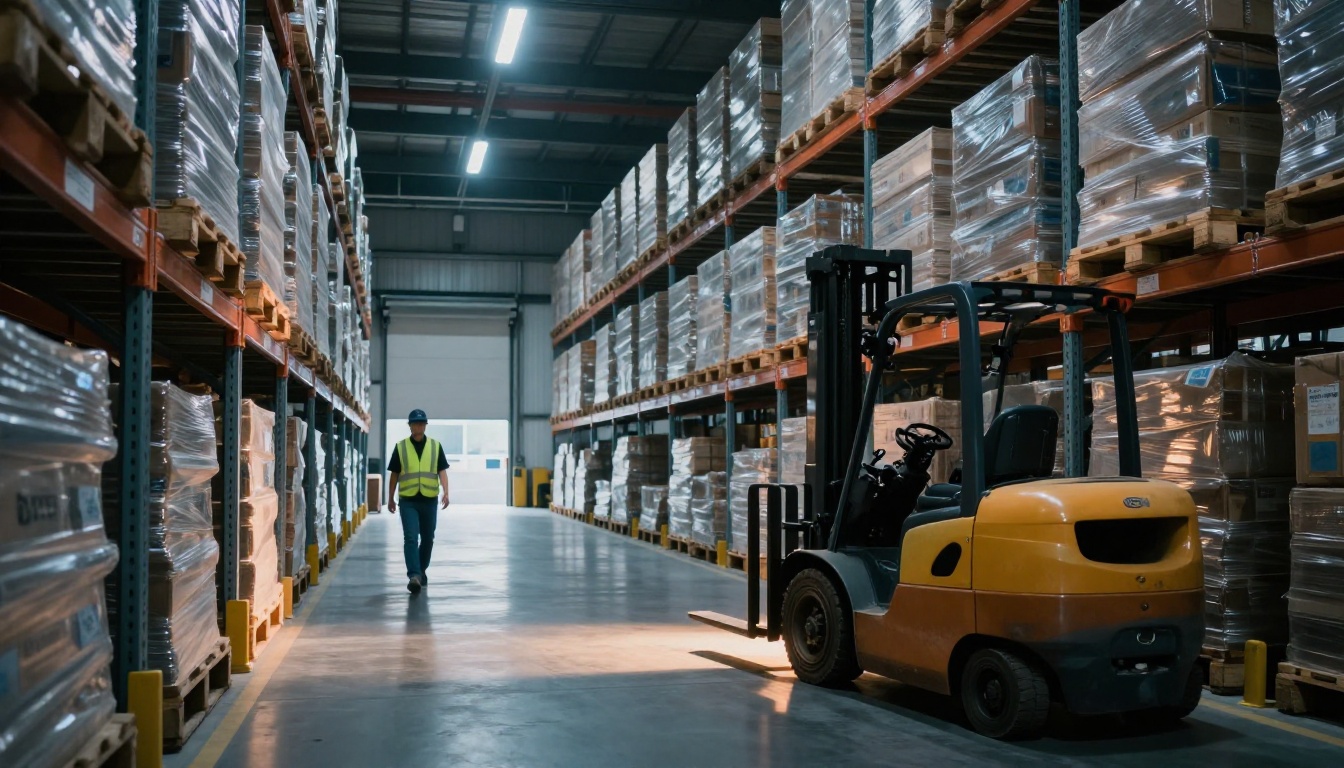
Your warehouse can feel busy while still moving too slowly. One manager I worked with cut picking time by 40% in weeks, not months, by fixing three “quiet” issues: where items lived, how pickers traveled, and how orders got grouped.
If you’re seeing long walks, stock errors, or dock delays, you’re not alone. In the US, newer warehouse software and automation are already showing results like 20%+ higher throughput and up to 12% lower costs (based on recent trends from 2024 through 2026). At the same time, automation often cuts labor and manufacturing costs by 25% to 30%.
The good news? You don’t need a blank check to improve warehouse operations efficiency. You need a system that removes wasted steps and gives workers clear direction. The strategies below focus on quick wins first, then upgrades that compound over time.
Now let’s make your warehouse run like it has a plan, because it should.
Redesign Your Layout to Cut Walking Time in Half
Layout problems don’t just “slow things down.” They create friction, and friction turns into wasted labor hours. When aisles force detours, pickers lose focus. When staging areas sit in the wrong place, packing starts late. When fast items are buried, every order takes longer than it should.
Many teams find that improving layout can reduce picking time significantly. One reason is simple: walking time is often the biggest share of picking effort. If you cut travel distance, you cut time across every shift.
Start with a quick look at your current flow. Ask where pickers pause, zigzag, or wait for equipment. Then test small changes before you rebuild the whole building. If you want a structured approach to planning, this guide on warehouse layout optimization steps is a solid starting point.
Three practical layout moves work especially well:
Maximize vertical space. Use adjustable shelves or a mezzanine to add capacity without expanding the footprint. This also helps when you need to separate storage from packing.
Apply dynamic slotting. Put fast movers in prime locations near the pick face. You can base this on demand data (sales velocity, order frequency, or seasonality). Then, move slower items higher or farther away.
Create flexible zones. In many warehouses, seasonal demand changes faster than the layout. If you can adjust slots, rack spacing, or staging rules, you’ll stay ready without constant disruption.
As a simple example, if high-runners feed the packing line, stack them above or near packing to reduce “down and back” trips. Small layout shifts like this often pay off quickly.
Stack High and Slot Smart for Nonstop Flow
Vertical storage helps because it turns one “idle” benefit into two gains: more usable capacity and less time searching. Still, tall racks can slow picking if the slotting logic is wrong. That’s why slotting matters as much as storage height.
If you use ABC analysis, you can keep access fast for the right items:
- A items: top sellers, most picked. Keep them closest to pick and pack.
- B items: medium demand. Place them in accessible mid locations.
- C items: slow movers. Store them higher or farther back.
Then, update slots as demand shifts. For example, if a product spikes before the holidays, treat it like an A item for that window.
You can also tighten your picking flow by matching storage to order patterns. If orders often include the same SKU pairs, store them near each other. When combined with narrow-aisle equipment (and the right safety setup), you’ll often see better throughput without adding labor.
Finally, pickers need consistency. If the same item moves every week, errors rise. So adjust slotting on a schedule (monthly or quarterly), and use overrides only when sales change fast.
Audit Paths to Eliminate Wasted Steps
Want an easy win? Map how pickers actually move.
Start by watching pickers for one full hour. Then mark bottlenecks: where carts stop, where drivers block aisles, where paper work slows people down. Even better, track pick paths with simple tools (a route log, camera review, or basic handheld tagging). After all, you can’t fix what you can’t see.
Next, test shortest-path planning with your warehouse system. If your WMS can suggest the best route, use it during picking. That way, your layout and your instructions reinforce each other.
Here’s a quick win that works more often than people expect: group zones so similar orders stay close. If customers often order the same categories together, place those SKUs in the same neighborhood. Then pickers build a “one trip” pattern instead of constantly crossing the warehouse.
Switch to Real-Time Inventory Tracking with WMS
If your inventory numbers lag behind reality, every other efficiency effort gets harder. One wrong stock count can cause an extra search, a cancelled order, or an emergency replenishment run.
A Warehouse Management System (WMS) fixes this by updating inventory in real time. Many US operations already use or plan WMS, with recent estimates showing 90%+ adoption or planned adoption. That matters because the warehouse brain controls more than storage. It directs picking, tracks inventory locations, supports receiving and put-away, and helps with cycle counts.
When pickers use mobile scanners and WMS guidance, you reduce the “guess and check” loop. Errors drop, and rework drops with them.
Also, WMS helps you pick smarter. Instead of “whoever’s fastest,” you get a consistent picking path based on what’s truly in stock. That’s how you reduce time per order, not just improve speed on one lucky shift.
And 2026 is pushing this further. Many vendors now add AI-enhanced features for better predictions, slotting suggestions, and planning accuracy. The goal is simple: fewer surprises.
For a clearer view of WMS features you might expect in 2026, see 15 WMS features for 2026.
Forecast Demand to Avoid Shortages and Excess
Real-time inventory still isn’t enough if you order blindly. You need demand forecasting so you don’t run out of A items or overstock C items that tie up space.
WMS can use sales history, lead times, and seasonal trends. Then it can suggest better replenishment quantities and timing. For example, if your holiday surge starts weeks before customers see it, forecasting lets you prepare inventory earlier.
This also supports leaner operations. When you can order closer to actual demand, you reduce storage pressure and free up labor for picking and packing.
Finally, forecasting and slotting work best together. If WMS predicts a spike for specific SKUs, those items can move into prime picking positions before the rush.
Master Picking Methods That Speed Up Orders
Picking is where time goes to hide. Even small inefficiencies stack up fast.
A strong picking method reduces walking, cuts congestion, and improves accuracy. In many warehouses, the biggest gains come from grouping orders so pickers travel less.
You can choose from several proven approaches:
| Picking method | Best for | How it saves time |
|---|---|---|
| Batch picking | Many orders with shared items | Fewer trips for multiple orders |
| Wave picking | High volume with deadlines | Smoother work by schedule |
| Cluster picking | Orders that share a zone | Pick more in one area before moving |
Use these ideas based on your order mix. If orders come in bursts, wave picking often helps traffic. If orders share SKUs, batch picking reduces repeat travel.
Then, consider hands-free support. Voice-directed tools can reduce attention shifts between handheld scans and paper lists. That often means fewer mistakes, especially during rush hours.
Batch and Wave Picking for High-Volume Days
Batch picking groups multiple orders into one picking run. Pickers use a cart to collect items, then sort by order at a later stage. This works best when many orders share product categories or when you have enough space to stage carts safely.
To avoid mix-ups, label batches clearly and standardize the handoff point. If two batches share lanes, accidents happen. Keep batch boundaries visible.
Wave picking uses time windows. Instead of picking “as orders arrive,” you pick in scheduled waves. This reduces crowding and helps with labor planning. For example, you can run waves for early afternoon, late afternoon, and end-of-day cutoff.
Cluster Picking to Stay in One Zone Longer
Cluster picking keeps orders within a defined area. Instead of bouncing across the warehouse, pickers complete a set of orders from nearby locations. That alone cuts travel time.
To run it well, define your clusters by zone and product family. Then design carts and staging so pickers return to a consistent spot after every run. Some teams use rolling carts with compartments to keep orders separated until packing.
When you combine cluster picking with strong slotting, you get a powerful effect: A items stay easy to reach, and pickers stay in motion rather than roaming.
Automate Docks, Packing, and Embrace 2026 Tech
Automation works best when it removes waiting and reduces rework. In warehouses, waiting often starts at the dock. Packing delays then ripple into shipping deadlines.
Start with dock scheduling. When inbound trucks arrive closer to planned windows, receiving stays smoother. If you can cross-dock fast goods, you skip storage for items that won’t need it.
Next, focus on packing. Auto-packing machines can right-size boxes and improve labeling accuracy. As a result, you waste less material and rework less often.
Then look at robotics and AI trends. Recent global data points show millions of warehouse robots, with up to 50,000 robotic warehouses worldwide. That scale matters because modular systems can be added gradually.
You can also use AI for route planning and staffing. For a snapshot of where the market is heading with AI-powered warehousing, check out AutoStore’s 2026 state of the market preview.
Robots and AI That Adapt to Your Needs
Modular robots beat fixed systems when your demand changes. With flexible add-ons, you can scale capacity without a full rebuild.
Digital twins (often used in planning) help teams simulate changes. That way, you can predict order wave patterns and staffing needs before you move equipment.
The best approach is to start small. Pilot one workflow, measure time per order, then expand when the numbers hold up.
Hands-Free Tools and Eco Upgrades
Hands-free tools like voice picking and wearables help workers move faster with fewer errors. They also reduce the constant switch between screens, paper, and labels.
Finally, don’t ignore “green” efficiency. Right-sizing packages cuts shipping cost and packaging waste. Energy audits can reduce lighting and HVAC waste. These upgrades don’t just help sustainability, they also improve operating cost.
Conclusion: Start With One Change That Reduces Time
If you remember one thing, make it this: reduce walking and rework. Layout improvements, tighter slotting, and smarter picking methods all cut the time per order at the source.
Next, connect the warehouse to reality with real-time WMS inventory tracking. When demand forecasting and WMS routes guide workers, you lose fewer hours to stockouts and searching.
Then, automate the bottlenecks that create waiting, like docks and packing. Even small automation can help your team handle more orders with fewer mistakes.
Ready to act this week? Walk your warehouse like a picker. Track one metric (travel distance, pick time, or error rate). Then make the first change based on what you find.