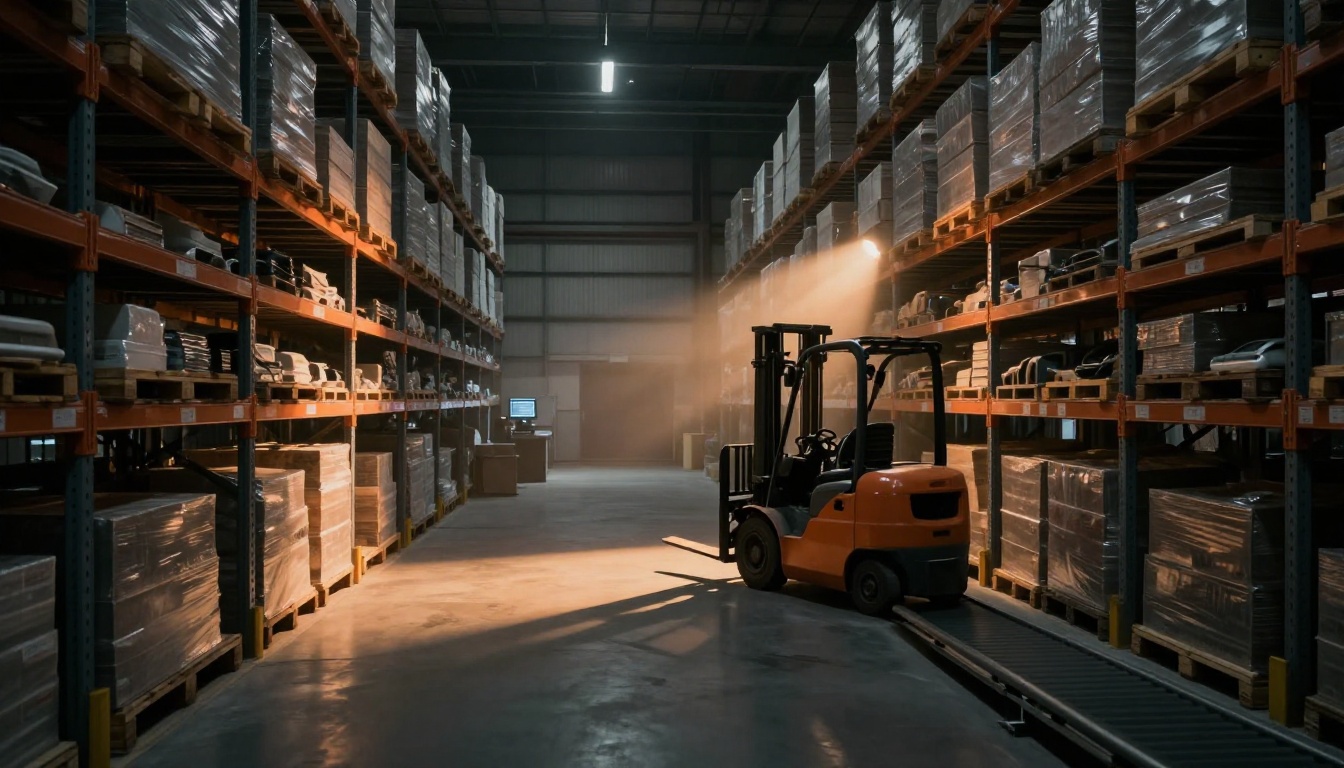
Warehouse processing delays rarely happen because one thing breaks. More often, they start with small problems that stack up fast. When orders sit too long, customers notice, refunds increase, and sales slow down. Then costs rise, because you pay for overtime, rework, and rushed shipping.
In March 2026, the pressure feels sharper. Labor shortages keep teams thin, supply can swing with global disruptions, and many warehouses juggle more SKUs than before. So even when your operation tries hard, delays can still show up in picking, packing, receiving, or shipping.
The good news is you can usually spot the cause by looking at patterns. Is work getting stuck at receiving? Are shelves hard to find? Do systems freeze right when volume spikes? This guide breaks down the main causes of delays in warehouse processing, so you can narrow down what’s happening and where to focus first.
Staffing Shortages: The Biggest Hurdle for Getting Orders Out Fast
Think of your warehouse like a bus route. One missing driver doesn’t just delay one trip. It throws off the timing for everything behind it.
In the US, labor strain is a real issue in 2026. One recent report highlights how US manufacturing faces a 2 million worker shortage risk, which spills over into warehousing and logistics roles too. You can read the details in data on the US manufacturing worker shortage.
When you run short on people, delays show up everywhere, but they often start in picking and packing. A few missing workers can mean longer queues at each station. It also increases the time it takes to train new hires, so quality drops while speed drops too.
Here’s what staffing problems usually look like on the floor:
- Picking gets slower because routes take longer and carts aren’t replaced fast enough.
- Packing backs up when fewer people can scan, verify, and box orders.
- Shipping misses cutoffs because the “last hour” becomes chaos, not execution.
Training gaps make it worse. New hires may move quickly, but they don’t always follow the same method. As a result, errors increase. Then someone has to stop and fix the mistake, which costs even more time.
Scheduling also matters. If shifts don’t match daily volume, workers stay busy at the wrong moments. During peaks, you get overstretched teams. After peaks, you still need coverage, but demand drops. That mismatch creates fatigue and turnover.
In 2026, turnover is also tied to how hard it is to hire qualified workers. Some employers report they still struggle with talent and onboarding support. For context on workforce-shortage pressures and what’s being suggested, see workforce shortage predictions for 2026.
A quick way to spot this issue is to ask one question internally: Where does the line stop moving? If the answer is “because we’re short-handed,” you’ve likely found your first domino.
Poor Training and Scheduling Mistakes
Poor training creates inconsistency. One person puts items away one way, another puts them another way. Then when an order comes in, nobody can find what they expect.
Scheduling mistakes do damage in a slower way. People work overtime when volume spikes, but staffing doesn’t rise enough. Over time, fatigue leads to skipped steps. Even small skips create rework, like re-labeling a carton or searching for an item that “should” be in a location.
When errors rise, you don’t just lose time. You also lose momentum. Teams stop trusting the process, so they double-check more often. That extra checking feels safe, but it adds minutes to every order.
Hiring and Retention Struggles in 2026
Hiring isn’t only about filling open roles. It’s also about keeping people long enough to stabilize your workflow.
When turnover is high, you lose experienced pickers and packers. Then you hire again. This cycle makes productivity uneven day to day. It also creates gaps in process knowledge, especially for receiving, put-away logic, and exception handling.
In 2026, many operations face a tough mix: fewer skilled applicants, more demands for speed, and higher wage pressure. That can force managers to run lean even when volume rises. So instead of planning for peaks, they react to them.
If you notice staffing strain plus rising “exception tickets,” that combo usually means delays will keep repeating until coverage and training improve.
Warehouse Layout and Inventory Woes That Make Workers Waste Time
Even with a full team, a warehouse can still move slowly. Often, the bottleneck is physical. A bad layout makes people walk farther. Weak inventory control makes them hunt for items.
Inventory issues also create a double delay. First, an order can stall due to missing stock. Second, it triggers extra work to correct the system and update locations.
Accuracy is one key indicator. With modern tools, many warehouses can reach strong accuracy. But when tracking falls behind, inventory drift grows. Drift means items show up in the system, but not in the bin they “should” be in.
In practice, that creates these delay moments:
- Receiving puts items in the wrong zone or skips steps during high volume.
- Put-away takes longer because workers can’t find a home for every SKU.
- Cycle counts miss problems because counts follow a schedule, not a risk plan.
- Forecasts fail and you end up with too much of some items, too little of others.
Also, warehouses now handle more SKUs than before. That sounds harmless, until you connect it to layout and inventory accuracy. More SKUs mean more chances for “where did this go?” moments.
If you want a deeper look at how layout choices can create bottlenecks, check warehouse bottleneck analysis and fixes. It’s useful for understanding how one slow area can ripple through picking, packing, and shipping.
Layout issues often hide inside everyday routines. People accept the long walk as “normal.” However, time loss from repeated walking adds up quickly. Plus, long walks increase fatigue, which again increases errors.
Why Bad Layouts Slow Down Picking and Put-Away
A good layout is like good highway design. It reduces friction. It keeps traffic moving.
A bad layout turns your aisles into detours. Fast movers end up far away. Pick faces get clustered in ways that force U-turns. Receiving may feed into zones that don’t match the most common pick paths.
When put-away stations sit in a spot that blocks traffic, workers pause instead of moving. During peaks, congestion at one corner turns into a full-station delay.
Receiving can also drop productivity. If pallets arrive faster than the receiving team can process them, those pallets crowd the dock. Then put-away gets delayed too.
One sign you’ve got layout trouble: time variance. If order times jump wildly from day to day, it may reflect bottlenecks that depend on where pickers walk and where congestion forms.
Inventory Errors from Poor Tracking and Forecasting
Inventory errors don’t always look like missing items. Sometimes, items are “found,” but in a wrong location. Then the warehouse spends time reconciling the mismatch.
Misplaced stock is a common cause of order stalls. Another big one is cycle-count behavior. If cycle counts don’t match the risk level of your SKUs, errors grow in the blind spots.
Forecasting failures also tie directly into warehouse processing delays. If you under-plan demand, stockouts appear. If you over-plan, you fill slots with slow-moving inventory. Either way, workers waste time.
In 2026, a bigger challenge is linking your sales patterns to warehouse reality. When sales-warehouse links break, the system may plan pick locations and quantities using outdated demand. Then the warehouse catches the problem only after orders start failing.
The operational lesson is simple: inventory accuracy is a workflow issue, not just a math issue. When the workflow breaks, delays follow.
Picking, Packing Errors and Tech Glitches Grinding Operations to a Halt
When people, space, and inventory don’t fail, technology still can.
Picking and packing rely on a mix of rules and signals. Without clear standards, operators make judgment calls. Then those calls cause mistakes. In parallel, warehouse tech relies on stable systems and equipment. When tech glitches appear, stations stop or slow down.
Picking mistakes often come from “no one owned the process.” For example, teams may not agree on how to handle partials, substitutions, or damaged boxes. Then the pack station gets orders that don’t match expectations. Someone must stop and fix them.
Packing errors show up in wrong shipments. Sometimes it’s the SKU. Sometimes it’s the quantity. Sometimes it’s the label. Any of these delays can trigger returns, reships, and customer support calls.
Technology issues can be just as disruptive. If your WMS and scanning tools lose sync, the system may reject transactions. Or conveyors may stop due to sensor errors. Either way, orders build up behind the fault.
In many facilities, visibility across systems is still uneven. When data sits in separate systems, teams lose trust. That loss of trust creates manual work. Manual work slows everything down.
If you want an example of how verification tech can cut errors at the pack station, see camera-guided verification at the pack station. The value here isn’t hype. It’s the idea of catching mismatches before they leave the building.
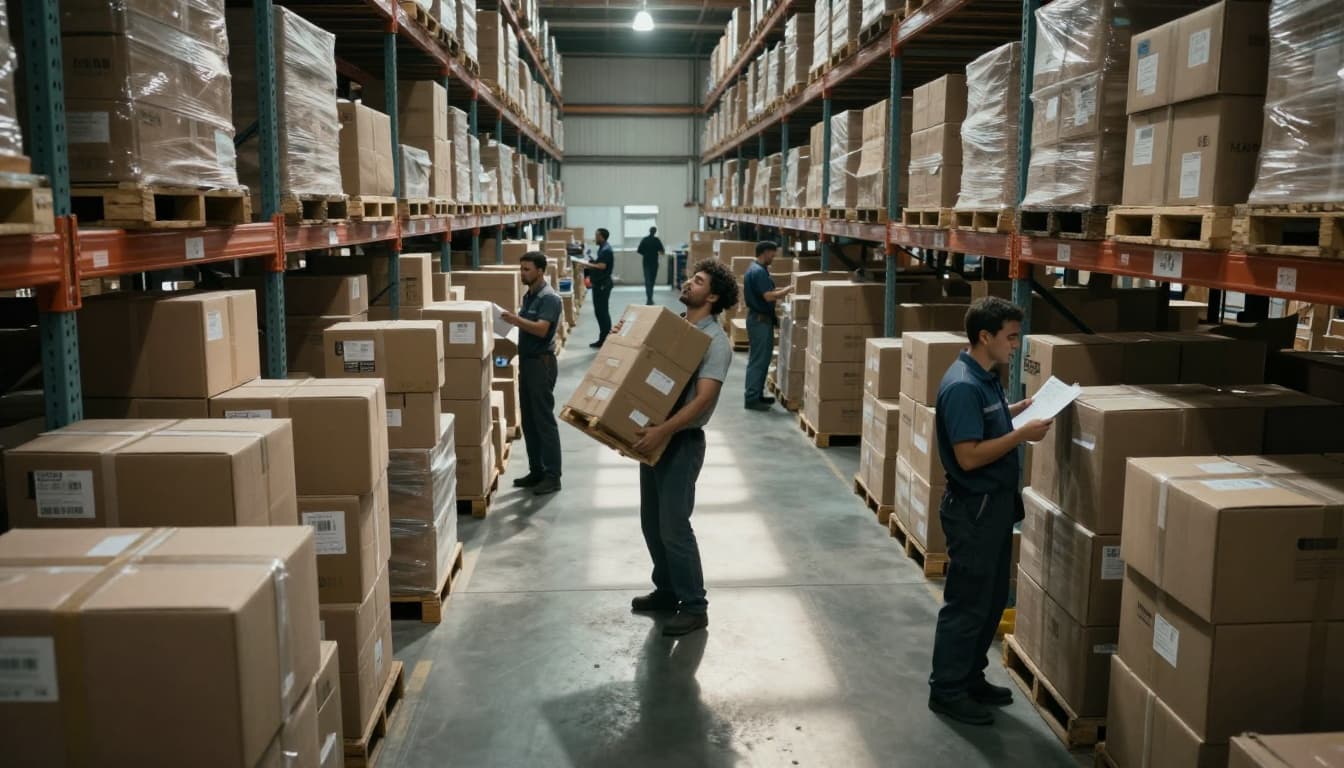
Common Mistakes in Order Picking and Packing
Picking errors often start with unclear location rules. If employees don’t know when to use a different bin type, mistakes rise.
Other common issues include:
- Skipping scan steps during rush, then fixing later.
- Picking from “nearby” locations instead of the exact home.
- Packing damaged items because exception rules weren’t followed.
Then packing takes on extra steps. If someone catches the mismatch, the order must be re-labeled or re-bagged. If no one catches it, the error ships to the customer.
A simple way to spot this category is to track where rework happens. If most fixes happen after picking, your pick process likely needs standards. If fixes happen after packing, your verification step may need stronger rules.
When Technology Fails: Systems and Equipment Issues
Tech failures can be dramatic, like a system crash during peak. They can also be boring, like a scanner that fails once every hour. Both can stop work.
WMS issues also cause delays. If the system says an action happened, but the equipment didn’t confirm it, you get queue buildup. Then people must clear the exception manually. That burns time and increases error risk.
Sometimes, equipment and WMS don’t match reality. One sensor sees differently than the system expects. Then a conveyor pause creates a throughput hit.
For practical floor-level examples of what happens when WMS and automation don’t align, check lessons from when WMS failures stall the conveyor.
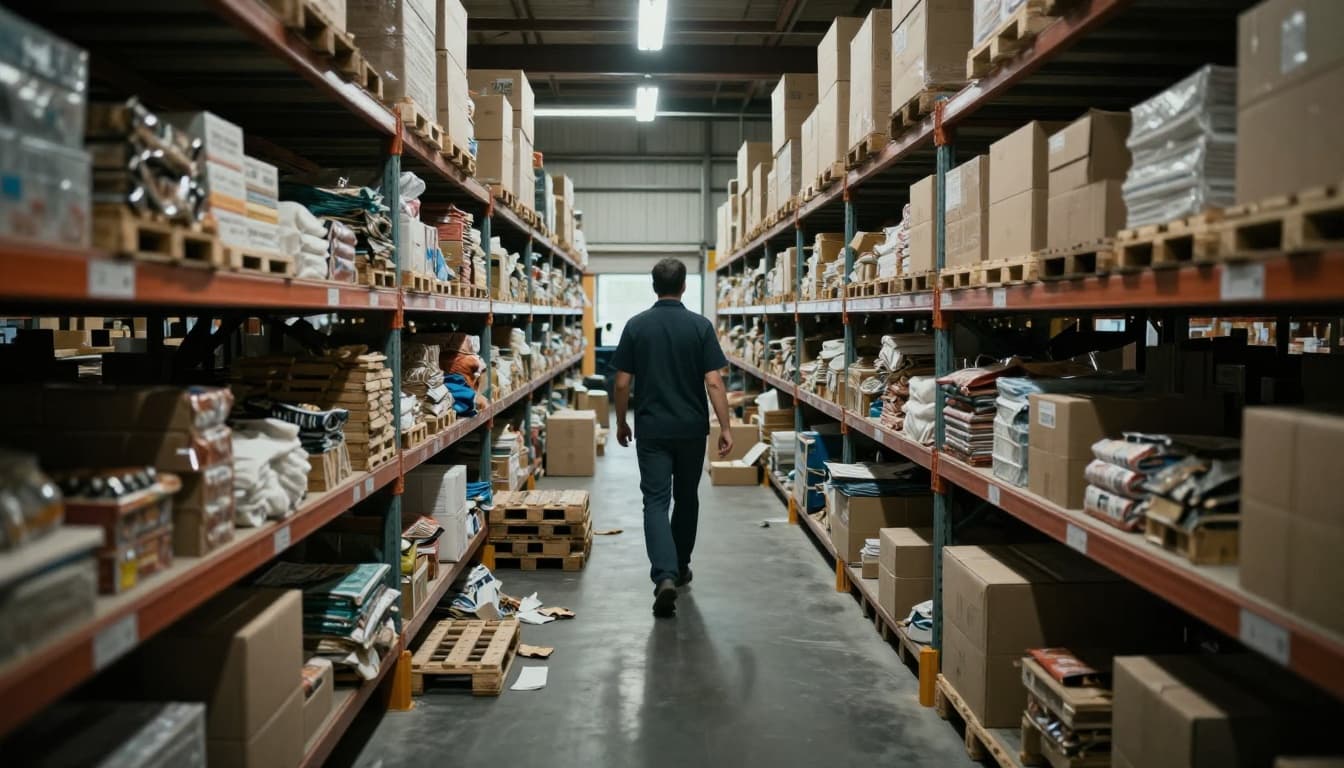
When tech fails, watch for these patterns:
- Orders move fast early, then slow down abruptly.
- Alerts spike near system updates or carrier label printing.
- Exception handling grows, even when staffing looks steady.
In 2026, tech gaps can also include missing integrations. For example, if inventory updates don’t flow into shipping modules, teams rely on manual confirmation. That slows packing and increases mistakes.
Supply Chain Disruptions Throwing Your Whole Operation Off Balance
Even a perfect warehouse can struggle if inbound goods don’t show up on time.
Supply chain disruptions create delays in receiving, which then triggers delays across the building. If pallets pile up at the dock, put-away slows. If put-away slows, picking slows. If picking slows, packing and shipping fall behind.
In March 2026, disruptions include wars, shipping risks, policy changes, and fuel price swings. These factors can raise freight costs and increase transit time. They can also cause port backups, which affects how soon goods arrive.
For a view of how tariffs and inventory stockpiling can distort freight timing, see the tariff front-loading hangover and freight demand cliff.
Port problems and carrier schedule changes can also cause “invisible” delays. Your system may plan for inbound on a certain day, but carriers may skip routes or reroute. That changes when goods arrive.
Weather adds another layer. Ice storms, heavy snow, and storms can slow trucks and delay dock operations. Even when the weather affects one region, the ripple can land in your warehouse through missed deliveries.
Chinese New Year shutdowns are another known trigger. Some companies front-load inventory before factories close. That can fill warehouses and increase workload right when teams are already stretched.
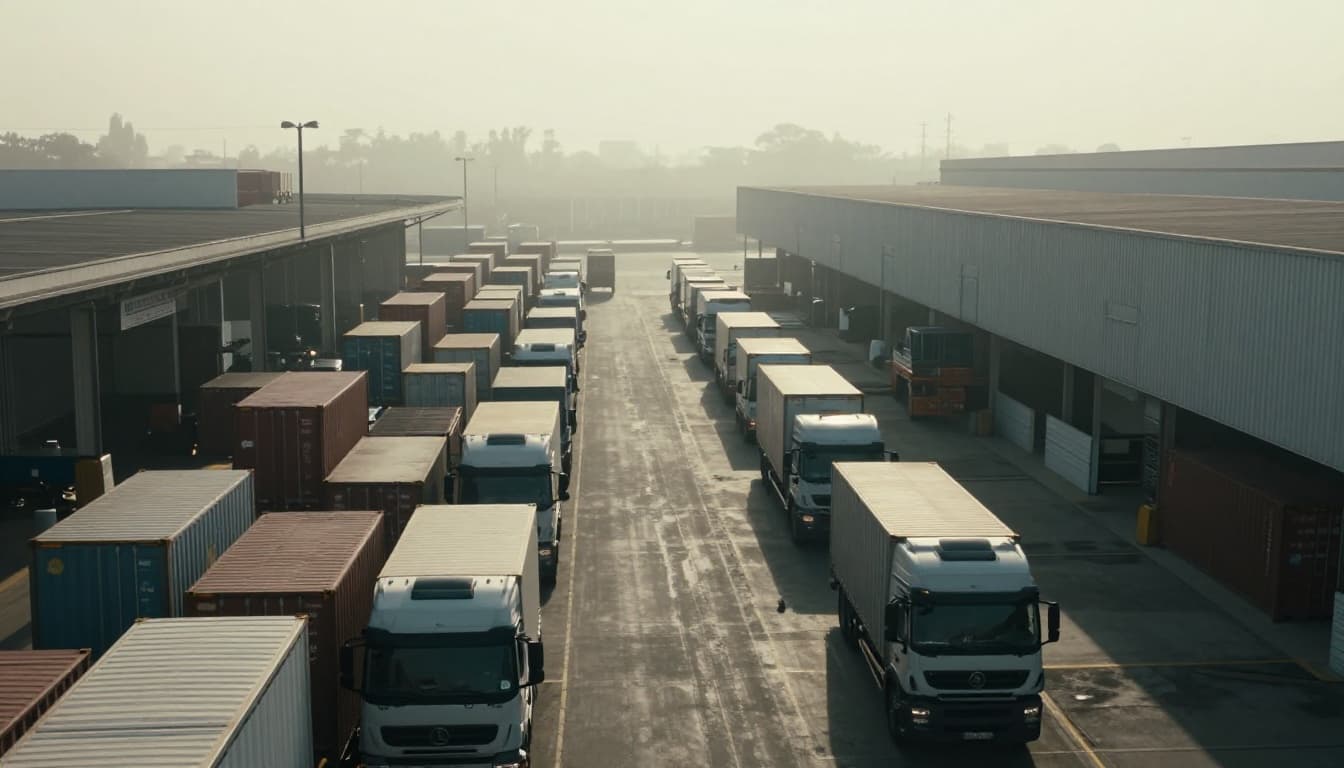
Global Events and Weather Blocking Inbound Goods
Global events can disrupt manufacturing and shipping. When a factory shuts down, inbound lead times stretch. When ships reroute, ports get crowded. When fuel costs rise, carriers may adjust capacity.
Then your receiving schedule breaks. You might end up with too much inbound on certain days and too little on others. That creates staffing strain, even if you planned well.
Also, shortages in inbound components can force substitutions. If suppliers ship different parts, your receiving process must create exceptions. Those exceptions delay inventory availability.
Demand Surges and Poor Dock Management
Demand surges also hit warehouses from the other side. Retail promos, ecommerce spikes, and seasonal events can increase outbound volume suddenly. If docks are overbooked, trucks queue outside.
Then you get a jam. Forklifts sit idle. Loading bays become bottlenecks. Packing teams finish orders, but shipping teams can’t pick them up fast enough.
In short, bad dock management can slow outbound even when you have inventory ready.
Here’s a quick way to connect inbound problems to warehouse processing delays:
| Disruption | What changes first | How delays spread |
|---|---|---|
| Port delays | Receiving dates shift | Put-away backs up, then picking slows |
| Driver shortages | Inbound and outbound timing slips | Queues form at docks, ships miss cutoffs |
| Fuel and cost spikes | Carrier capacity tightens | Fewer trucks move goods, WIP piles up |
The takeaway is clear: supply chain disruptions don’t stay outside your doors. They enter your building through receiving dates, dock flow, and exception handling.
Wrapping Up: Find the Pattern Behind Warehouse Processing Delays
Warehouse delays usually don’t come from one dramatic failure. They come from a repeating pattern: staffing gaps, wasted movement and inventory mismatches, picking and packing errors, and inbound chaos.
If you want one practical next step, don’t start with tools. Start with your bottleneck timeline. Look at where orders first stop moving, then track what changes right before delays spike.
Then you can fix the real cause, not just the symptoms. When labor coverage matches demand, layout and inventory stay predictable, verification prevents costly mistakes, and inbound planning accounts for volatility, your processing time improves.
Want to make this actionable fast? Audit your last two weeks of orders and note the top delay point in each one. After that, share what you found, what surprised you, and where the pattern repeats.